How To Create Ai Anime Transition Videos Using Flow Ai – You must be aware that nowadays most of the videos are trending on shoe and these videos are going viral very fast. So today I am going to tell you again about a virus, this video and how to make your video viral by applying its trading effect training transition. We will learn all about this. We will learn all about it with the help of this article. We will learn how to create everything so that only after understanding it we can create it. So first of all you should edit the article carefully, only then you will understand.
Why Is This Video Going Viral
Friends, I want to explain why this type of video is going so viral right now and why people are relying on it so heavily. The secret behind why these videos go viral is that, while people usually put in a lot of effort to create such content, you can produce them very easily—almost effortlessly—and achieve viral success without the usual hard work. You don’t need to struggle; simply by following a few steps, you can create these videos and go viral with minimal effort.
Pro Editing Tips
And friends, I want to tell you that whenever you create such a video, you need some editing tips which will help you in knowing what this video is, how it goes viral, how it is created, so whenever you use it, while making such a video, you should create it by following one step and do it by following a certain type like what should you do first. Step number one is that you should add your image properly so that it does not take much effort to delete your video. Add a good image so that the detailing of your video is good, then you will be able to create it very easily, so if you create such a viral video, then set the image properly. If you do not edit your video while doing it properly, then your video looks bad.

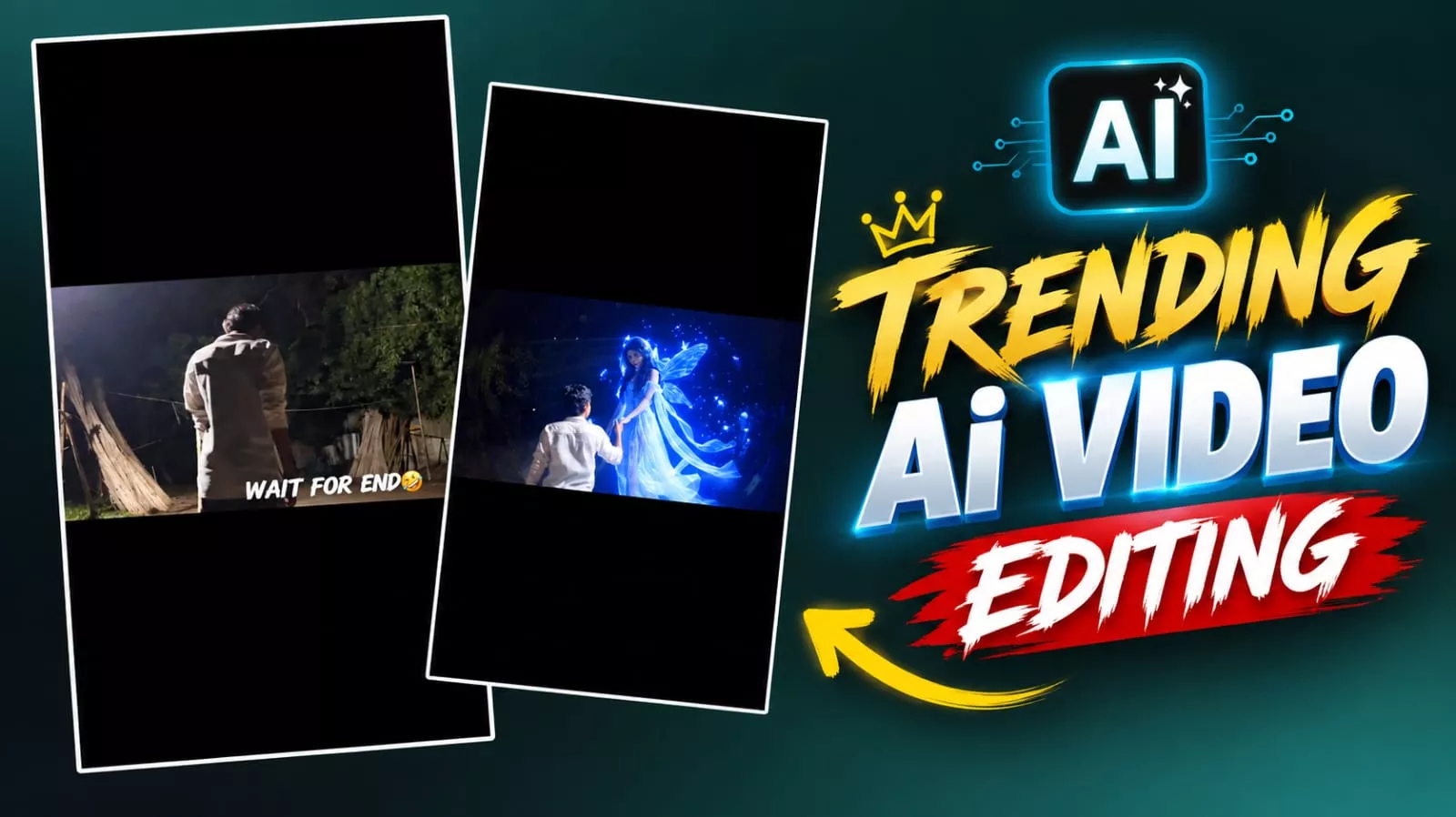
Use the uploaded image as the exact reference trame. Keep the boy, face direction, pose, white shirt, hand position, background trees, night atmosphere, lighting, colors, composition, and camera angle completely unchanged. No background change, no dress change, no face change, no color grading change, no extra objects, no watermark.
Action: A beautiful glowing blue fairy-like girl appears from a short distance directly in front of the boy, floating slowly toward him in a straight line. She is looking only at the boy. She gently flies closer, extends her hand, and places her hand into the boy’s already raised hand exactly as shown.
The boy slowly pulls her toward himself using their joined hands. The fairy moves naturally toward him and softly lands on the ground directly in front of him while maintaining eye contact with him. Her movement is smooth, magical, romantic, and realistic. Blue particles and soft glowing light trail around her body.** Camera: Completely locked camera, no zoom, o pan, no tilt, no shake, no camera movement no angle change.
Motion: Only the fairy moves toward the boy and lands. The boy remains almost exactly like he original image, with only a very slight natural arm movement while pulling her closer.
Style: Cinematic fantasy, realistic VFX, smooth slow motion, dreamy blue glow, ultra realistic, igh quality, 4K, 24 fps, clean output, no text
How To Create Video With How To Create Ai Anime Transition Videos Using Flow Ai
Let me show you how to create and go viral with these “fairy tale” style videos. First, open the tool and add your image, then paste the prompt I’ve provided. Once you hit generate, your video will be ready in no time. To make it go viral, use the best hashtags and thumbnails; this ensures your video takes off quickly without requiring much extra effort. You might also need to generate an image for this, so I’ve included the necessary prompt here for you to use easily. If you need to create an image, simply copy the prompt, head over to ChatGPT, paste it along with your photo, and generate the result—your image will be ready instantly.